How to Speed Up Your Jira Workflow with Issue Templates: Sprint Planning, Bug Reporting, and More
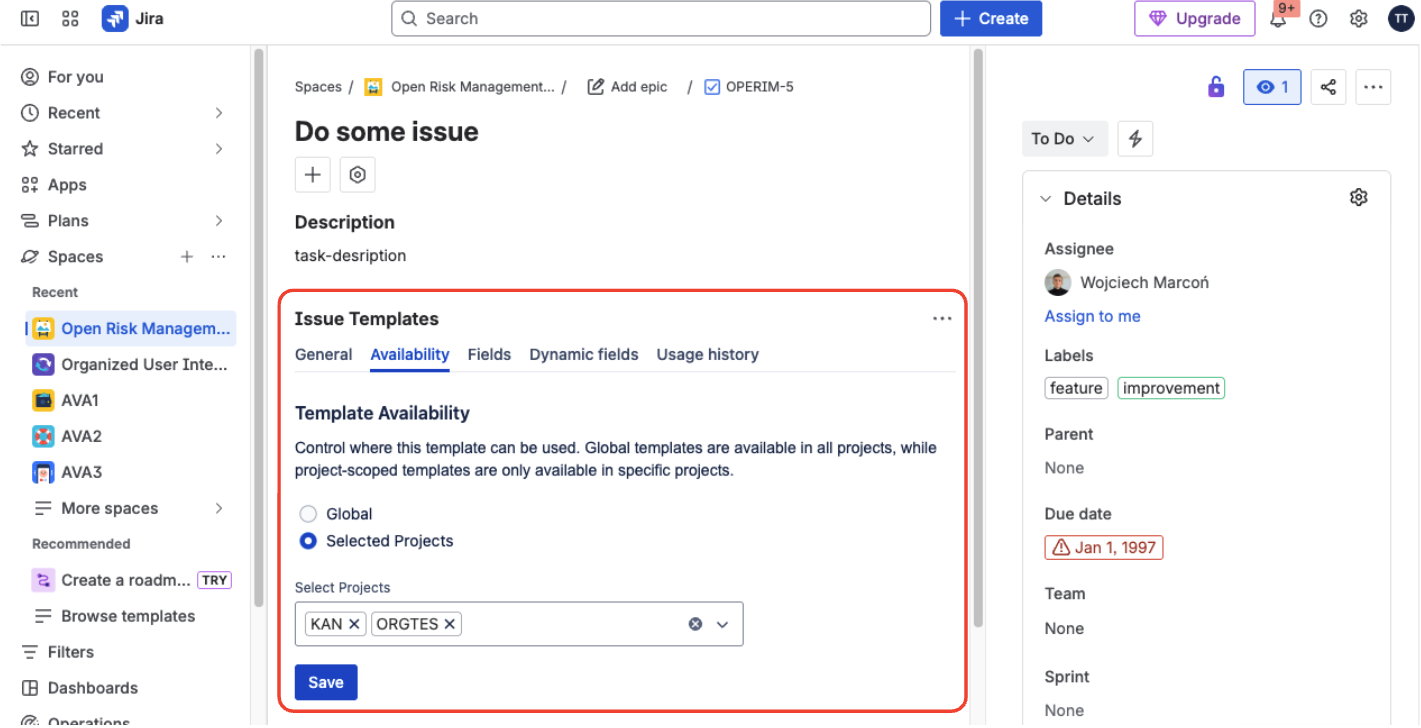
Most Jira teams do not lose time in execution. They lose time before execution - while creating issues, fixing missing details, and aligning structure across teams.
If your sprint planning, bug reporting, and recurring task setup still rely on copy-paste, you are paying a quality tax in every cycle.
What this solves
This guide shows how to standardize issue creation so every new issue starts with the right structure, required context, and predictable fields.
Why Jira workflows become slow even in mature teams
The slowdown usually comes from three repeated friction points:
- teams recreate the same issue skeletons from scratch,
- bug reports arrive with missing context,
- every project drifts into a different naming and field pattern.
That is why backlog hygiene drops over time, even when the team is experienced.
Speed
Create complete issues in one step instead of rebuilding the same structure every sprint.
Consistency
Apply one format for summaries, descriptions, and defaults across teams and projects.
Quality
Start with required context already in place, so less work is bounced back for clarification.
Use case 1: sprint planning with reusable epic structures
In sprint planning, a template should preload the same planning frame every time:
- summary pattern,
- structured description sections,
- default priority, labels, and components,
- optional dynamic values for timeline fields.
This keeps sprint kickoff focused on scope and trade-offs, not on rebuilding Jira cards.
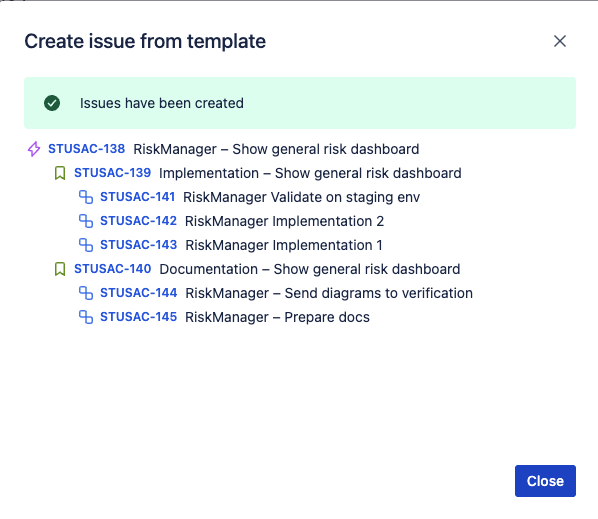
Use case 2: bug reporting that is actionable on first pass
A bug template should enforce a stable layout for:
- reproduction steps,
- expected and actual result,
- impact or severity context,
- owner and triage metadata.
When this is standardized, developers spend less time asking for missing details and more time fixing.
Use case 3: one issue quality standard across departments
Cross-team consistency is the biggest operational win. Product, QA, support, and operations can still work in different projects, but they should not produce incompatible issue formats.
Manager outcome
Cleaner structures at issue creation means cleaner JQL, cleaner dashboards, and less manual data cleanup before reporting.
How to roll this out in one short cycle
Pick your highest-volume issue types
Start with issue types that are created most often and currently require manual setup.
Define one shared template standard
Align summary pattern, description blocks, required fields, and default values.
Pilot with leads, then expand
Enable templates for admins or team leads first, validate quality, then roll out wider.
If you want the implementation path:
Final take
Issue templates are not just a convenience feature. They are a workflow quality control layer that removes repetitive setup and protects data quality before work starts.
For a step-by-step setup walkthrough, see how to create issue templates in Jira Cloud.
Make issue creation consistent from day one
Deploy reusable templates, dynamic defaults, and predictable issue structure in Jira without script maintenance.
Start trial on Marketplace