 Templify for Jira Cloud
Issue templates inside Jira's Create dialog
Save any Jira work item as a template. Your team picks it in the Create dialog and gets the summary, description, fields, sub-tasks and child work items filled in for them, the same way every time.
- Runs on Atlassian
- Free for up to 10 users
- 30-day free trial
How Templify works
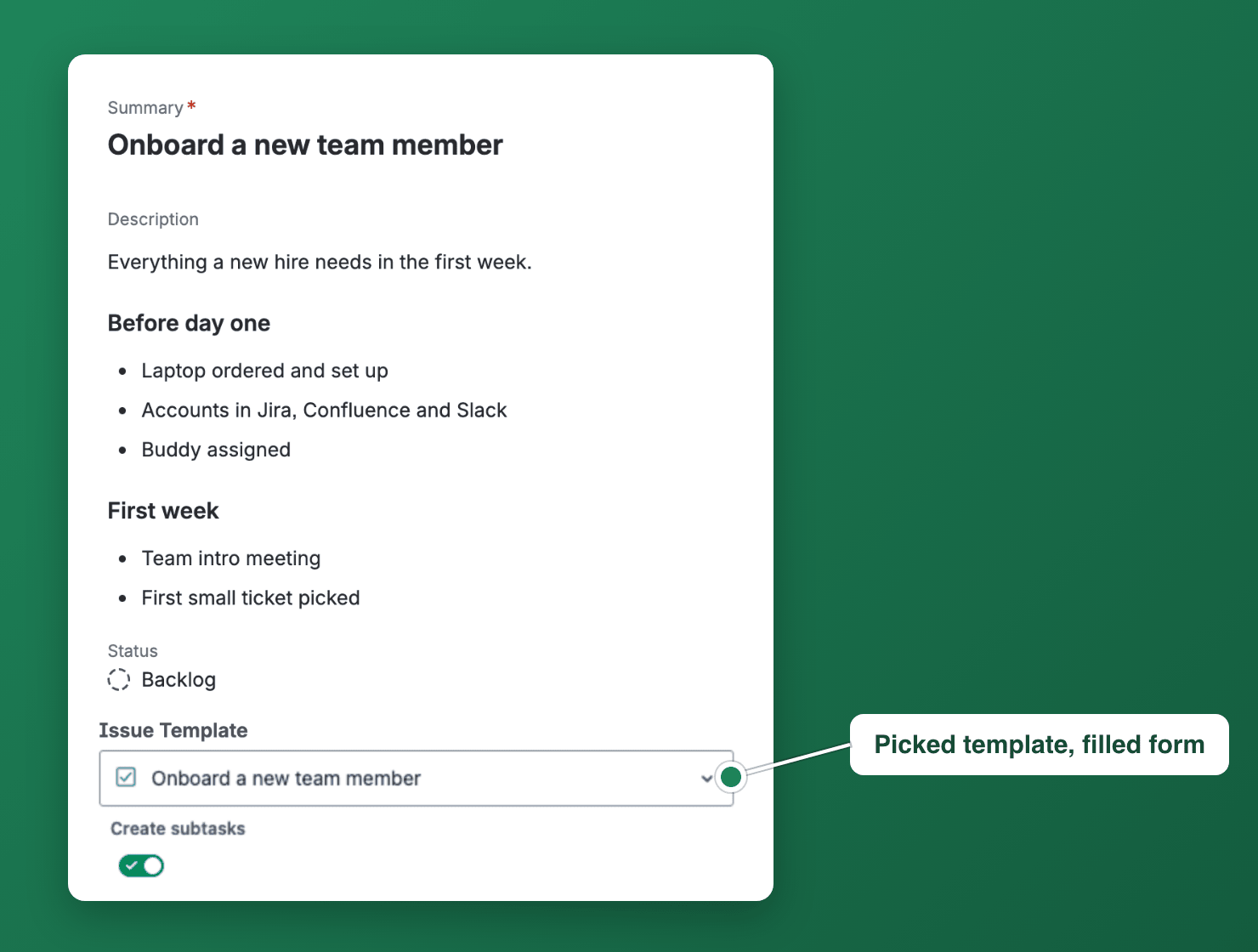
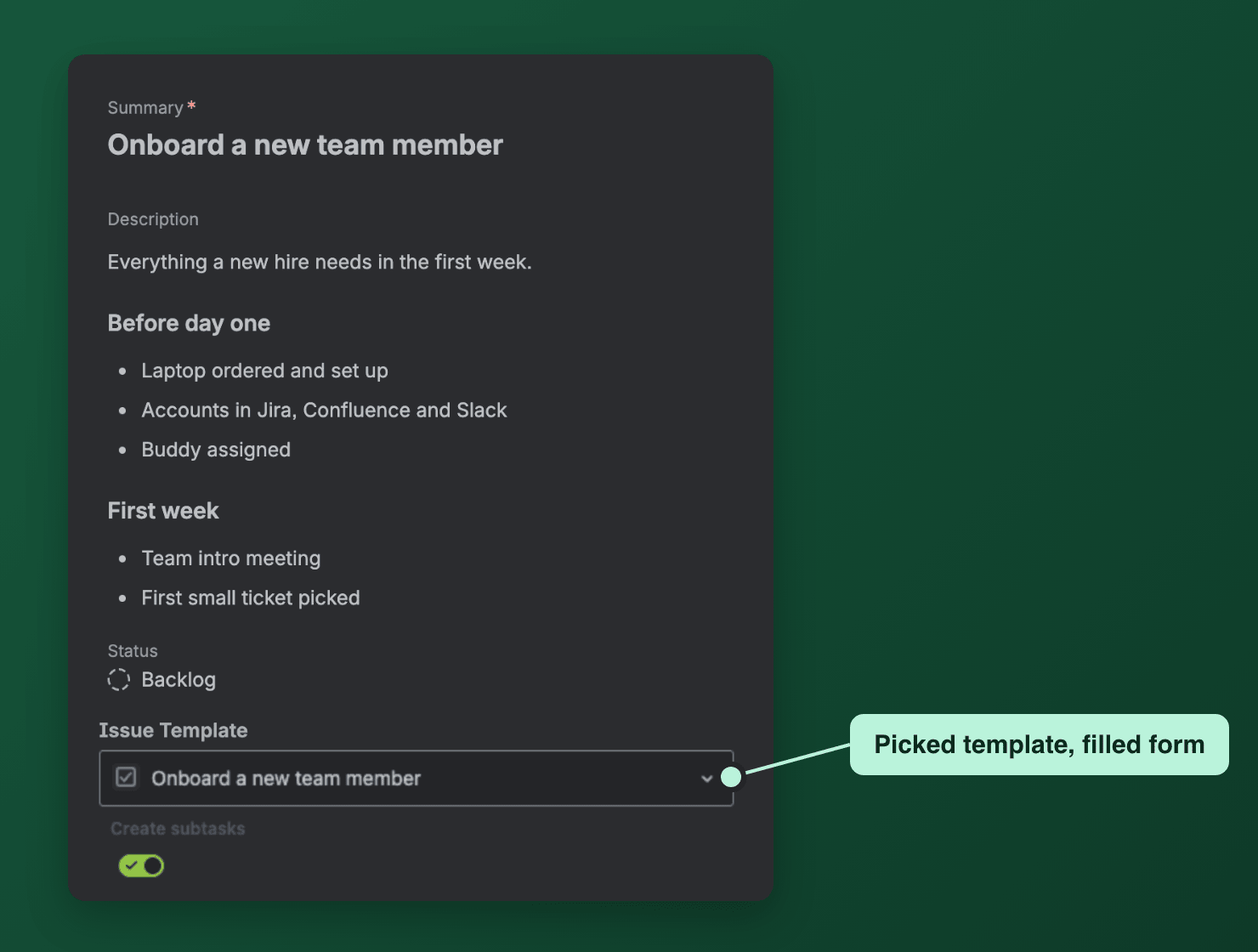
Pick a template in Create, or let it fill in by itself
Templify adds an Issue Template field to Jira's Create dialog. Pick a template and the form fills in with its summary, description, priority and labels. Set a default template for a project and work type, and the form is filled in as soon as it opens, before anyone picks.
Docs: The Issue Template field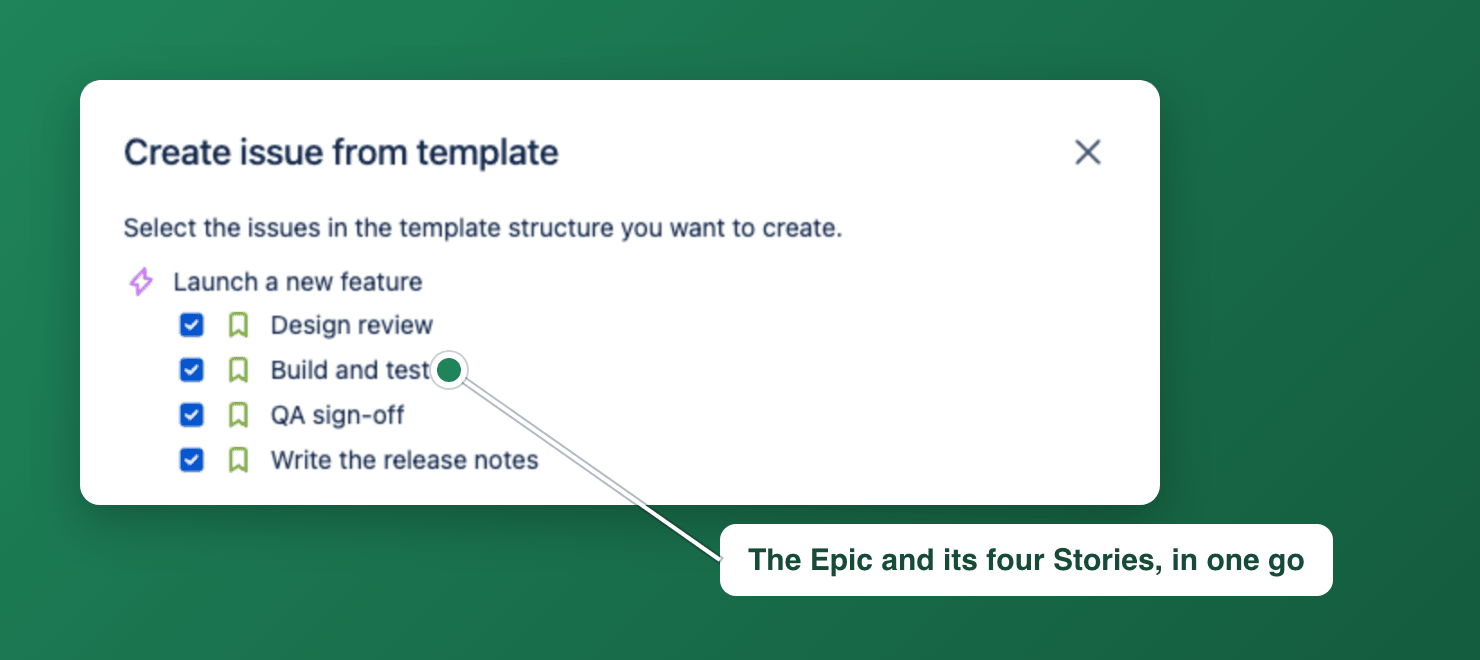
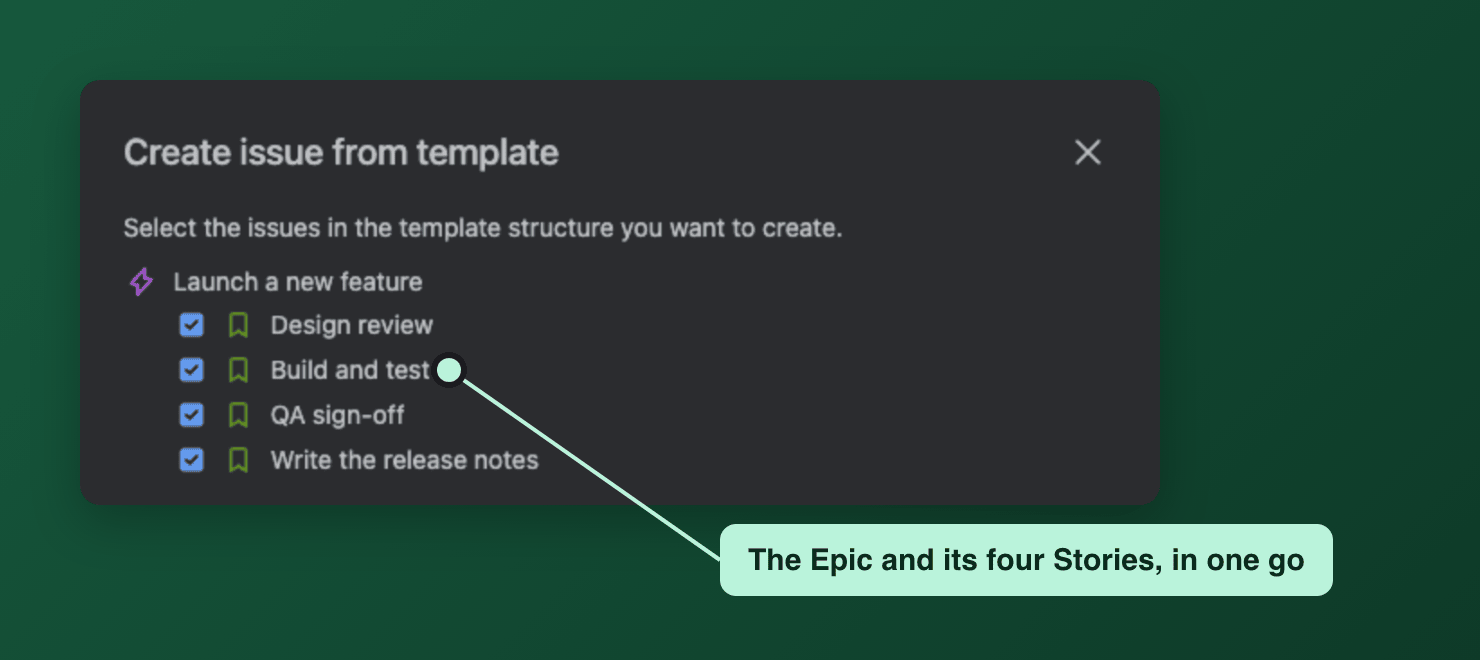
Create the whole structure at once
A template can be an Epic with its Stories, or a task with its sub-tasks. When someone creates from it, Templify copies the work item together with its child work items, sub-tasks, links and attached files, so a launch or an onboarding starts with every step already on the board.
Docs: Create an issue hierarchy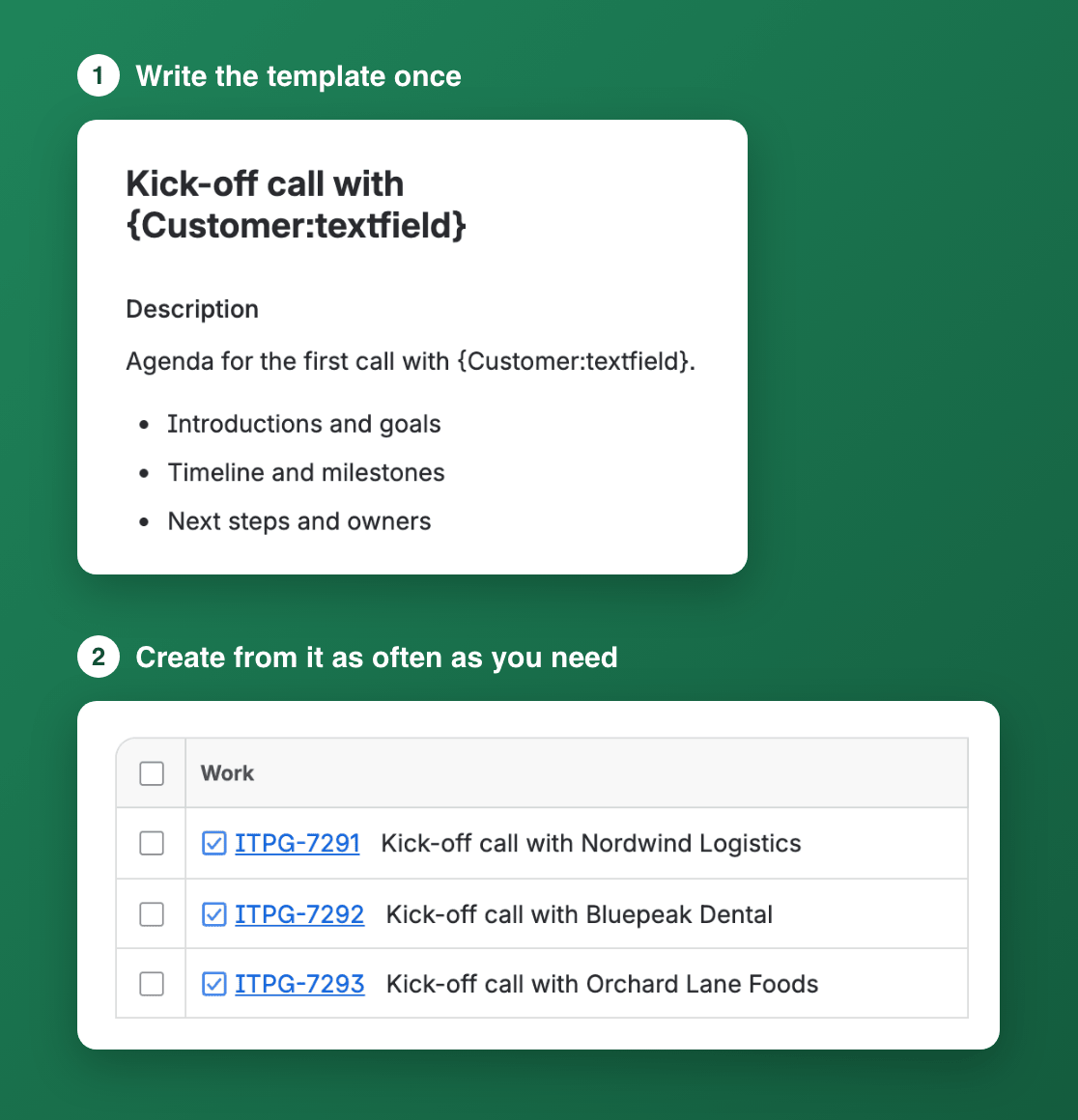
Fill in what changes each time
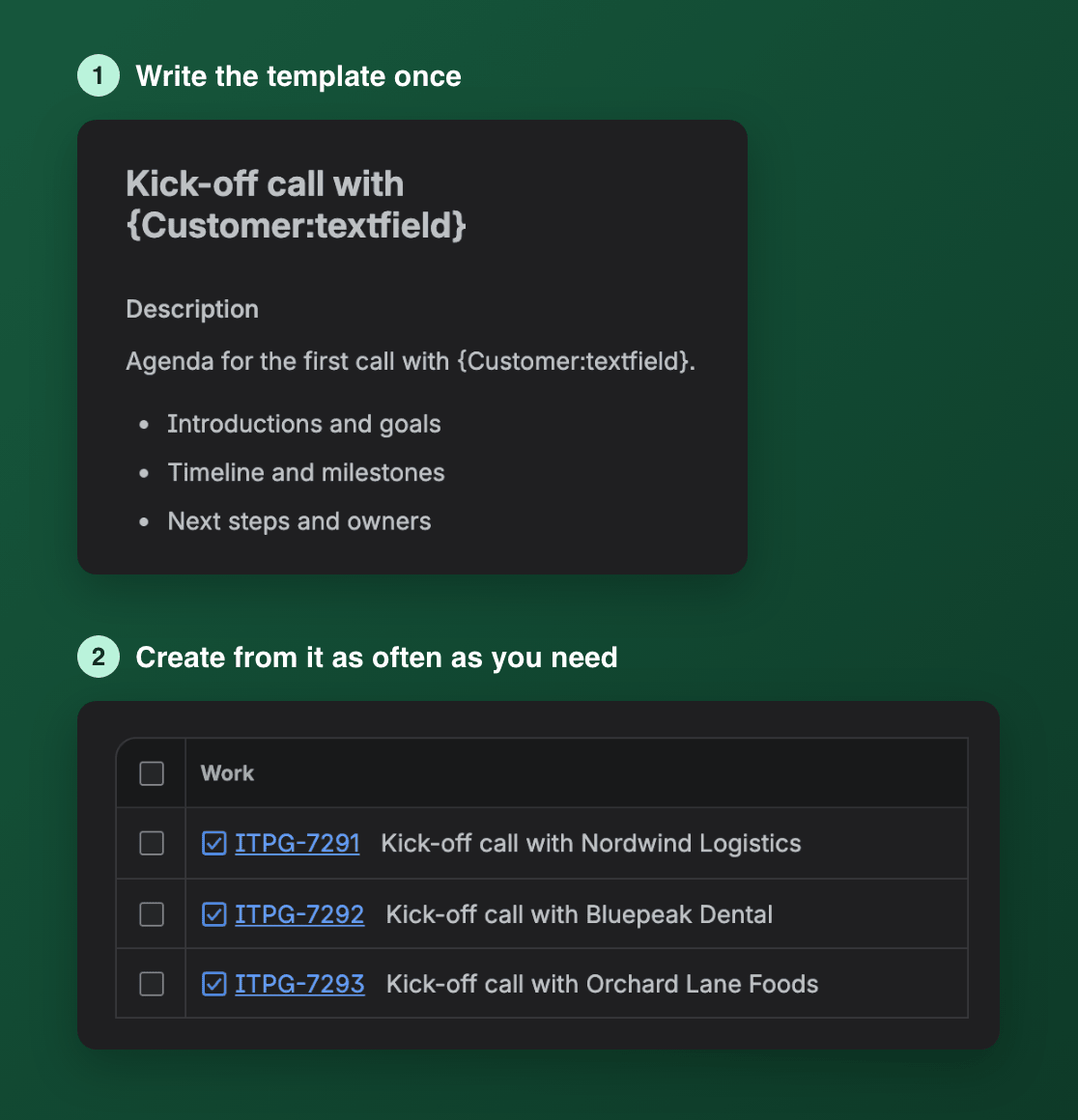
Write a template once, with a variable such as {Customer:textfield} in its summary or description. Each time someone creates from it, Templify asks for the value and writes it everywhere it appears. Dynamic fields add today's date, the current sprint or the person creating the work item.
One library for every project
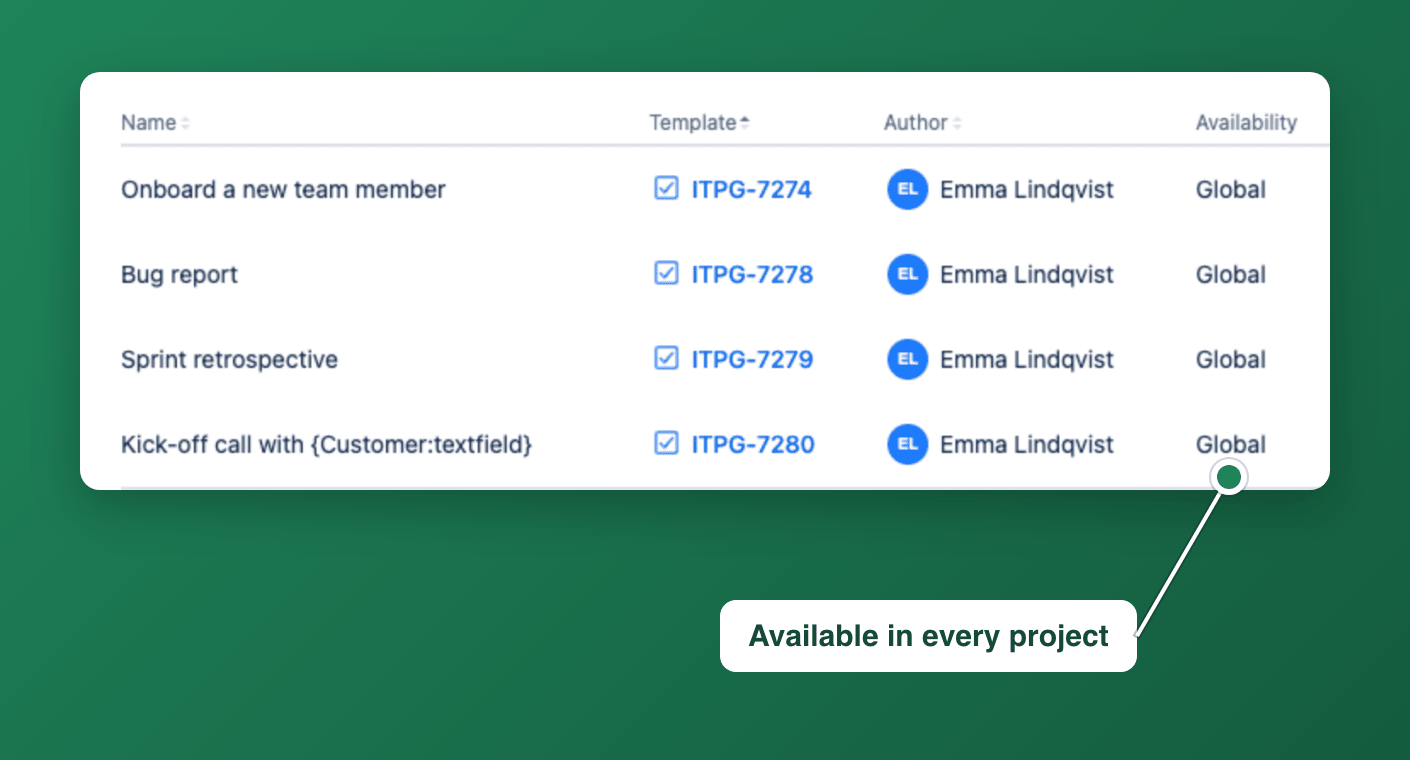
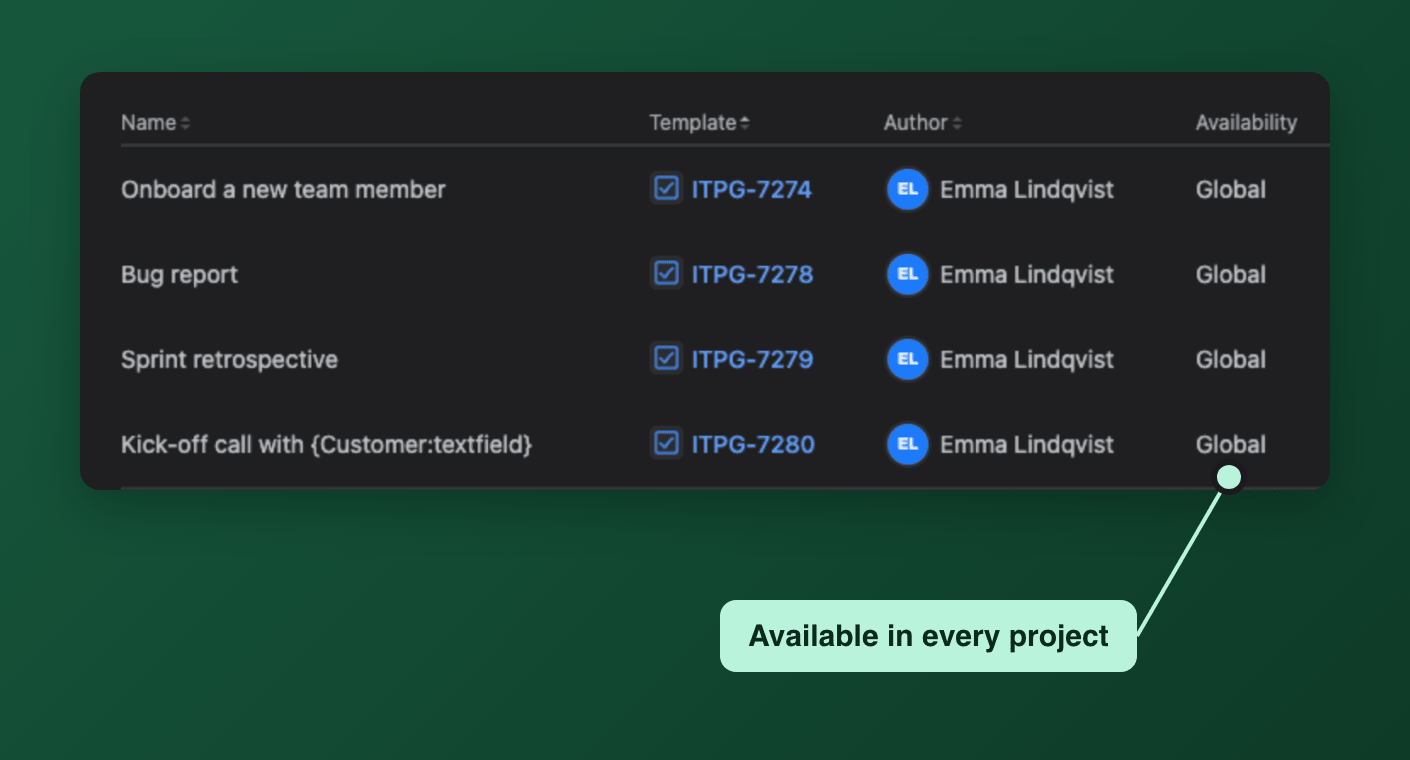
Every template is listed on one page in Jira, with its author and where it is available. Share a template with all projects or only some, hide the ones nobody should use, and start a work item from any of them.
Docs: The global template libraryAlso in Templify
Runs on Atlassian. Templates and settings stay in your Jira site. Security details
Get started in three steps
- Install from the MarketplaceFree for up to 10 users, a 30-day trial for more.
- Run the setup wizardIt adds the Issue Template field to your Create screen.
- Save a work item as a templateOpen it and press Set as Issue Template in the Templify panel.
Try Templify on your Jira site
Free for up to 10 users, with a 30-day trial for larger teams.
Try it free on Marketplace